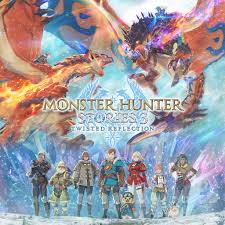
This CD Key can only be used in South East Asia except Singapore
How to Purchase Monster Hunter Stories 3 CD Keys
Choose the Monster Hunter Stories 3 edition you want.
Select your preferred payment method.
Make sure the email address you entered is correct.
Complete the payment.
Check your email.
How to Redeem a CD Key on Steam
Log in to your Steam account.
On the top left of the Steam application, click the “Games” menu.
Select “Activate a Product on Steam” from the menu.
Enter the CD Key you received.
Follow the instructions to complete the activation process.
Once activated, the game will appear in your Steam Library.
Select Nominal or Package
Select Payment Method
Enter Email Adress (Mandatory)
Enter Redeem Code (Optional)
Enter Contact Info (Optional)