Frequently Asked Questions

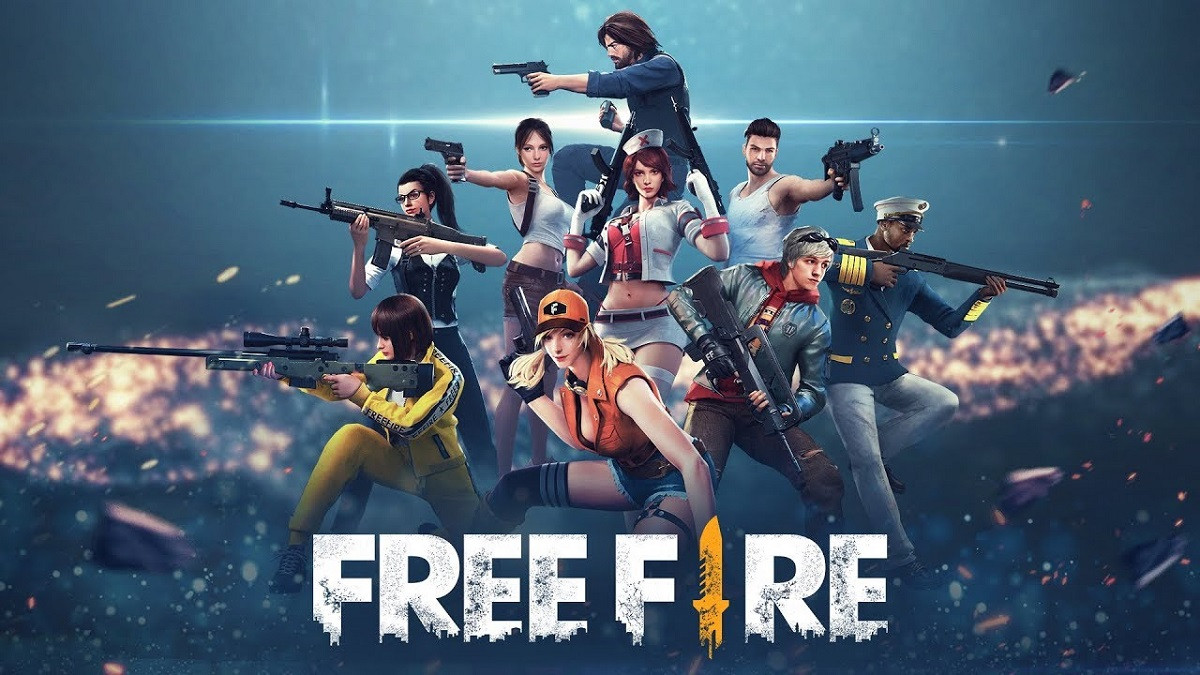
Gogogo is the go-to top-up platform chosen by gamers to purchase game credits and vouchers. With a wide selection of games available, Gogogo makes it easy for players to top up favorites like Mobile Legends, Free Fire, PUBG, Genshin Impact, Roblox, and many more. Gogogo also ensures a fast, easy, and secure transaction experience. With multiple payment options and a reliable system, your balance or voucher is credited instantly once payment is completed, so you can jump right back into the game without delay. On top of that, Gogogo offers highly competitive prices with special deals, giving gamers confidence and value in every transaction. With all these advantages, it’s no surprise that Gogogo has become the top choice for gamers looking for a safe, affordable, and lightning-fast top-up experience.

Follow these simple steps to top up or purchase vouchers on gogogo.game/en-ph :

  1. Visit the website and select the game or product you want to top up.
  2. Fill in the required details (such as Player ID or Server).
  3. Choose the nominal or package you wish to buy.
  4. Select your payment method — GCash, ShopeePay, or GrabPay.
  5. (Optional) Enter a promo code if available.
  6. Click “Buy Now” to receive a payment code, then complete the payment using your chosen method.
  7. Once the payment is confirmed, your transaction details will be sent to your account or email.